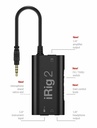
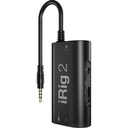
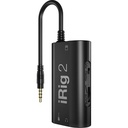
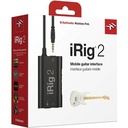
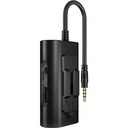
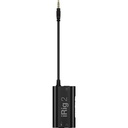
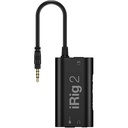
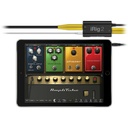
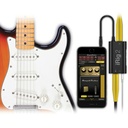
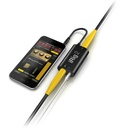
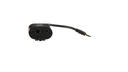
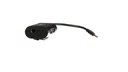
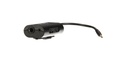
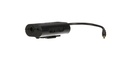
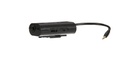
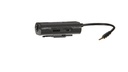
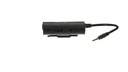
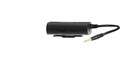
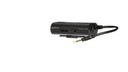
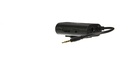
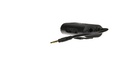
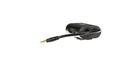
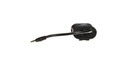
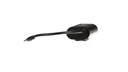
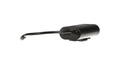
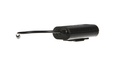
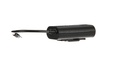
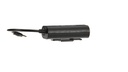
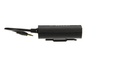
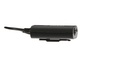
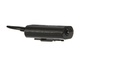
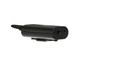
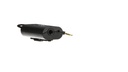
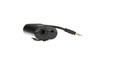
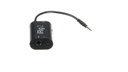
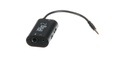
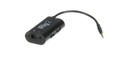
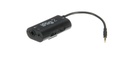
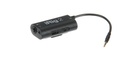
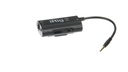
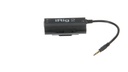
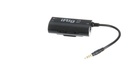
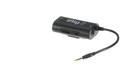
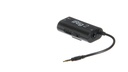
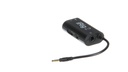
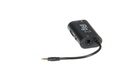
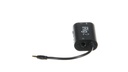
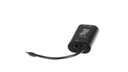
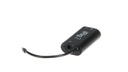
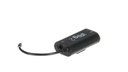
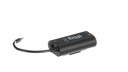
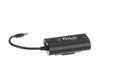
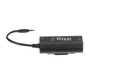
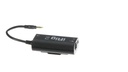
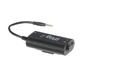
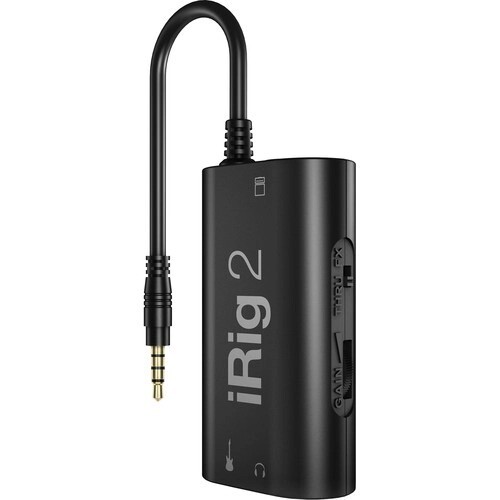
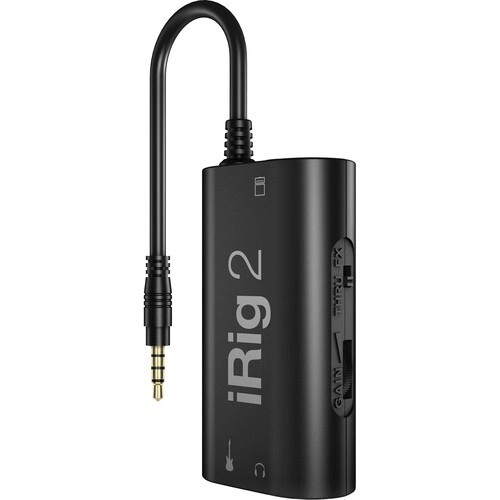
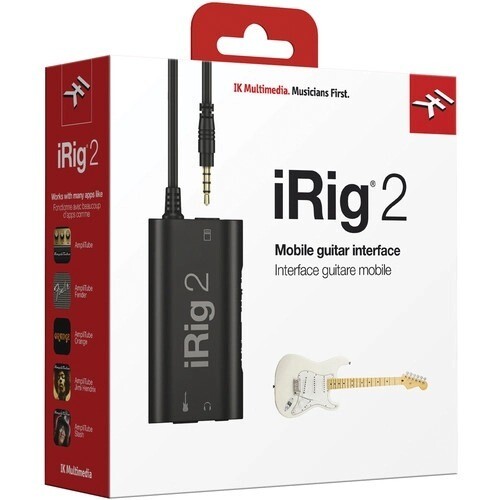
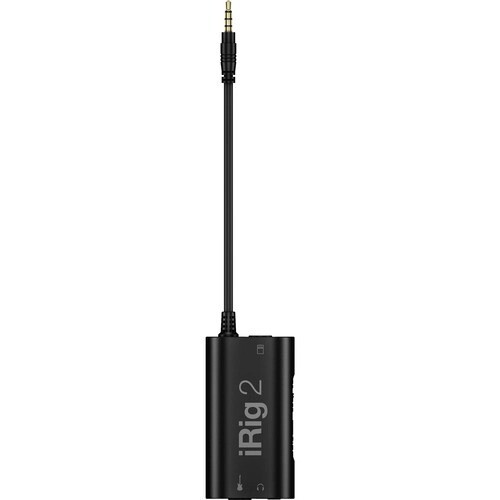
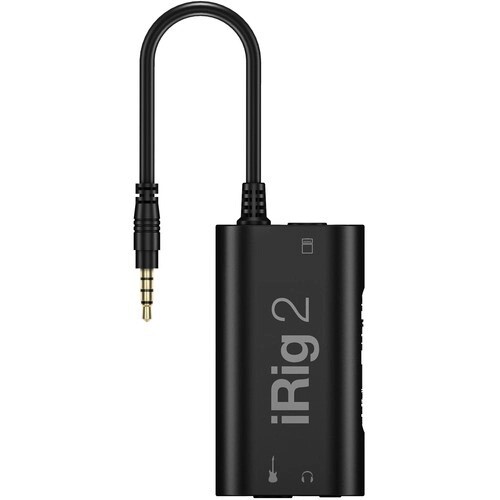
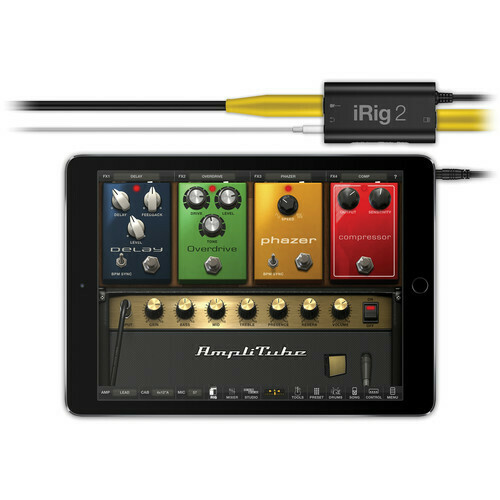
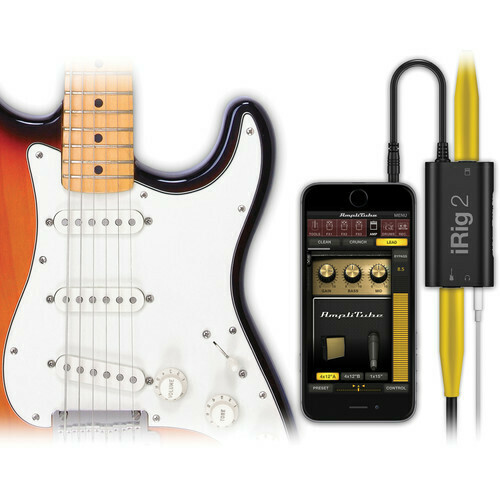
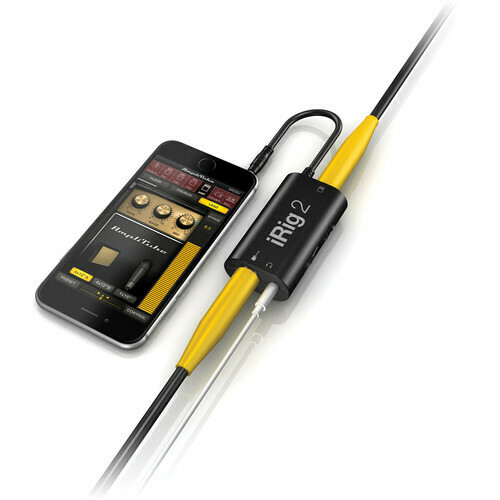
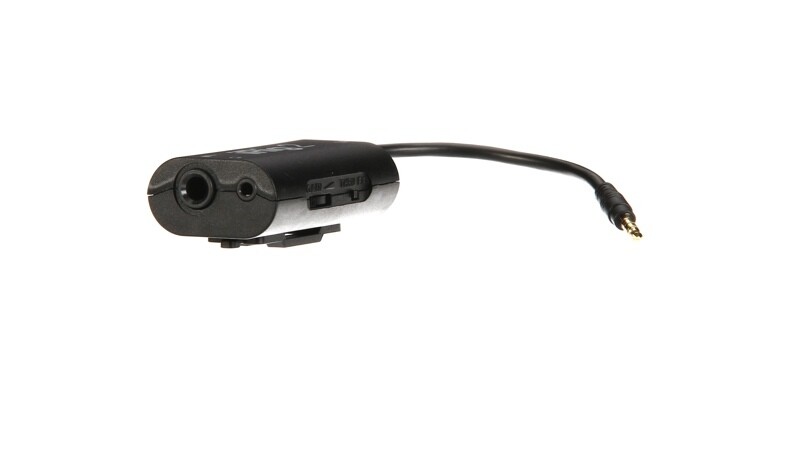
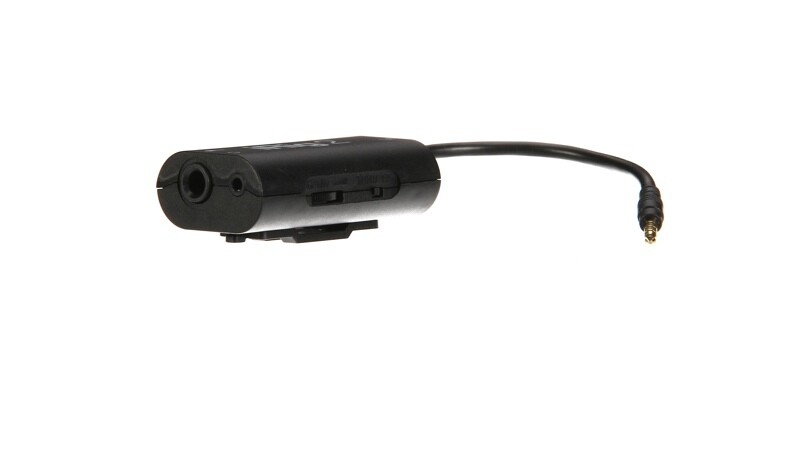
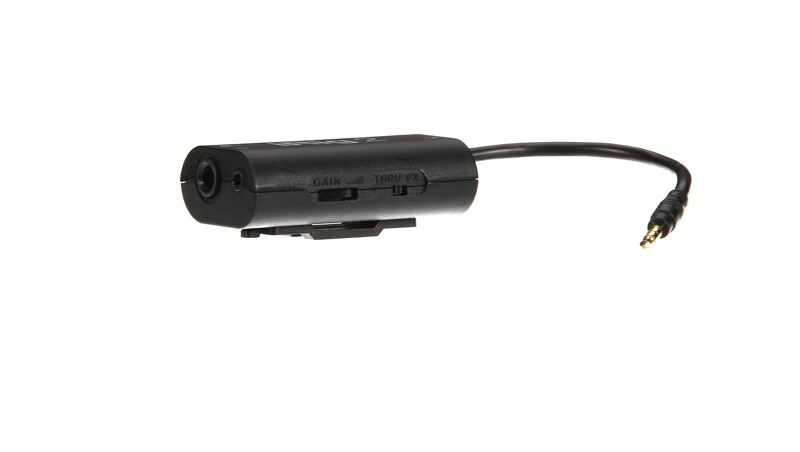
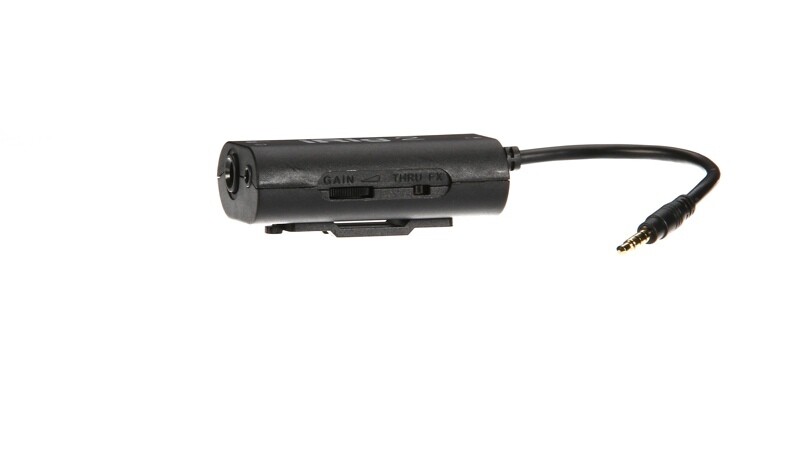
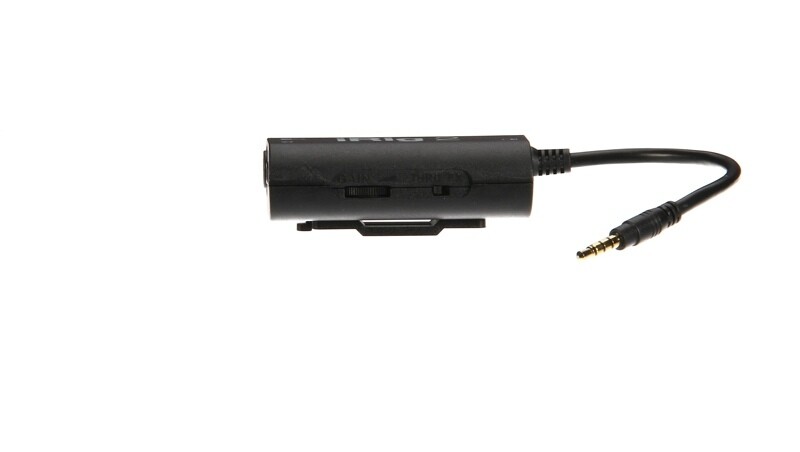
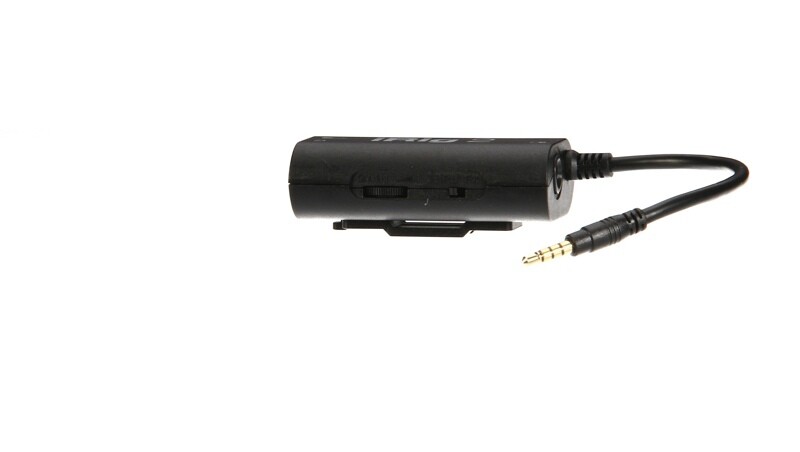
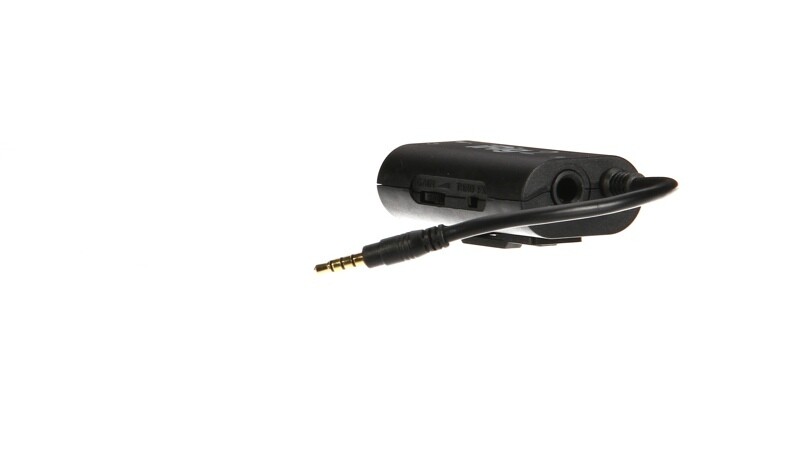
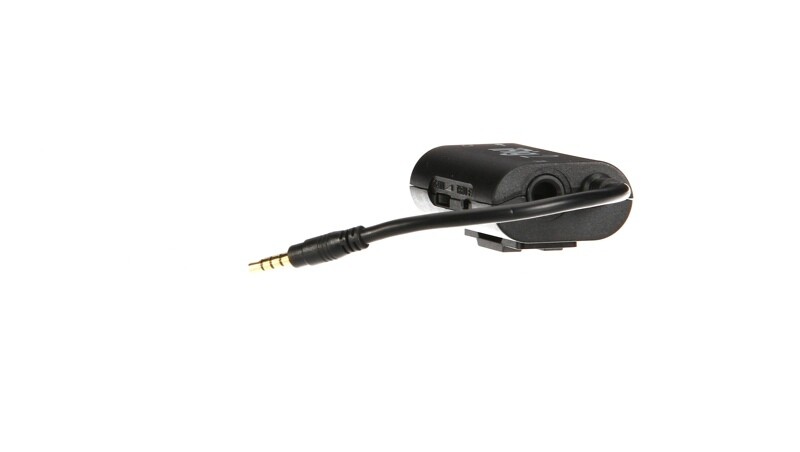
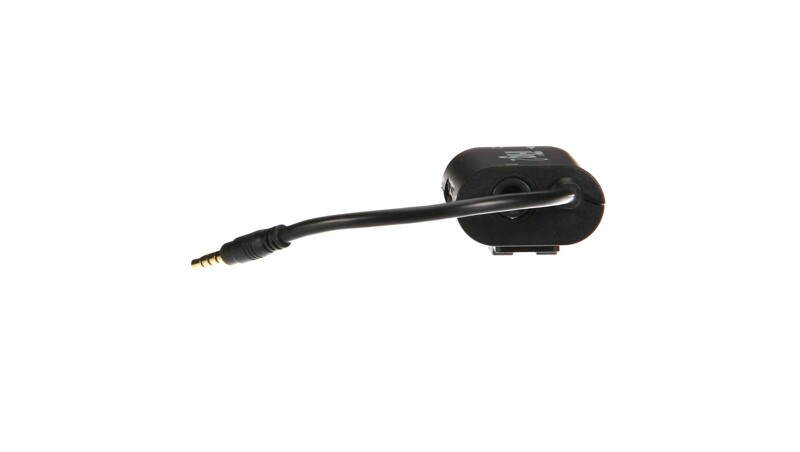
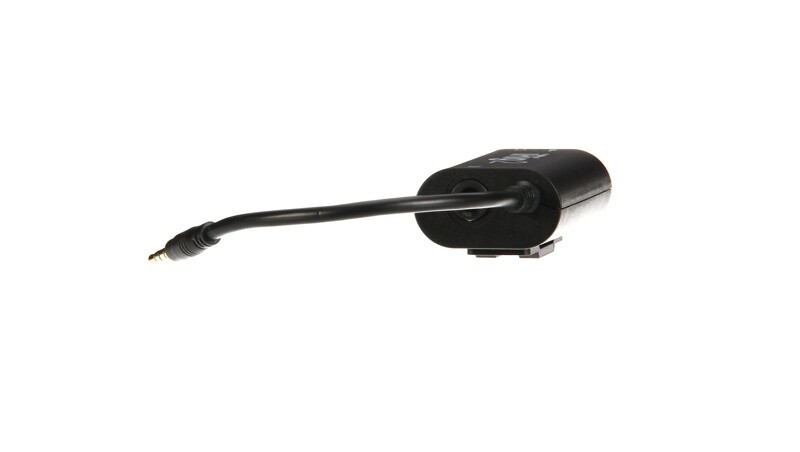
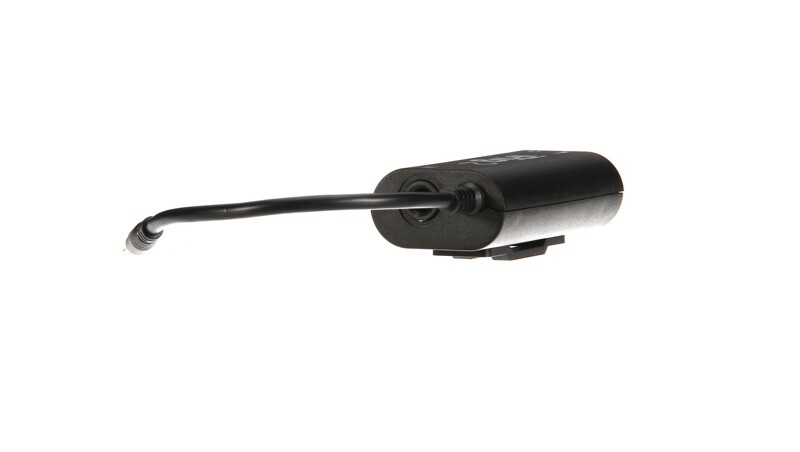
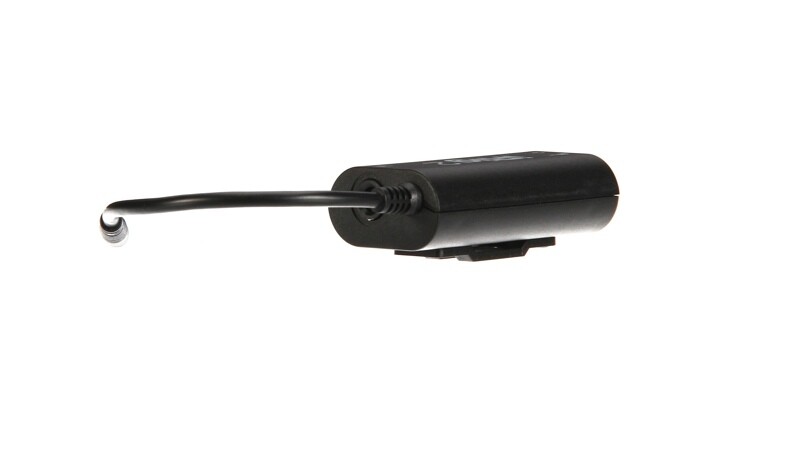
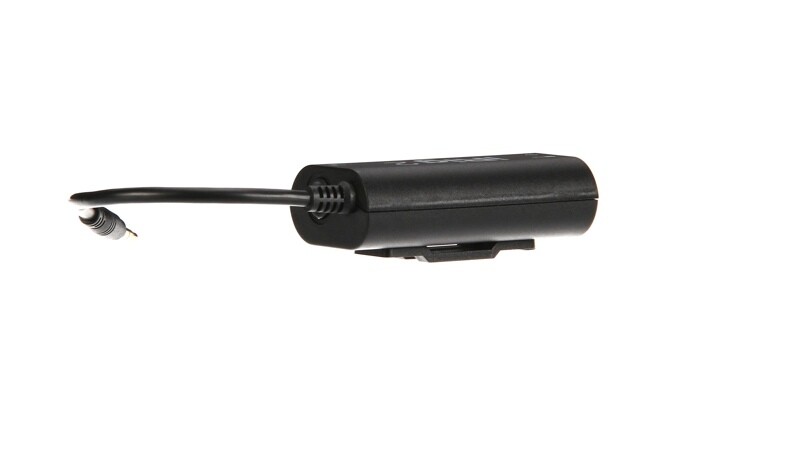
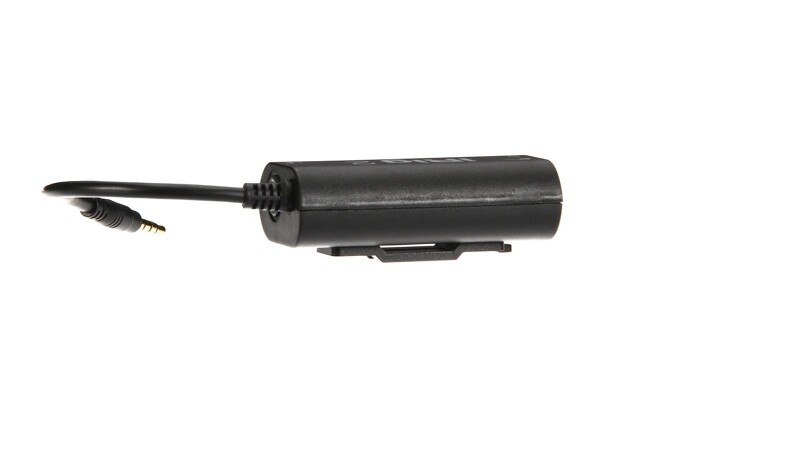
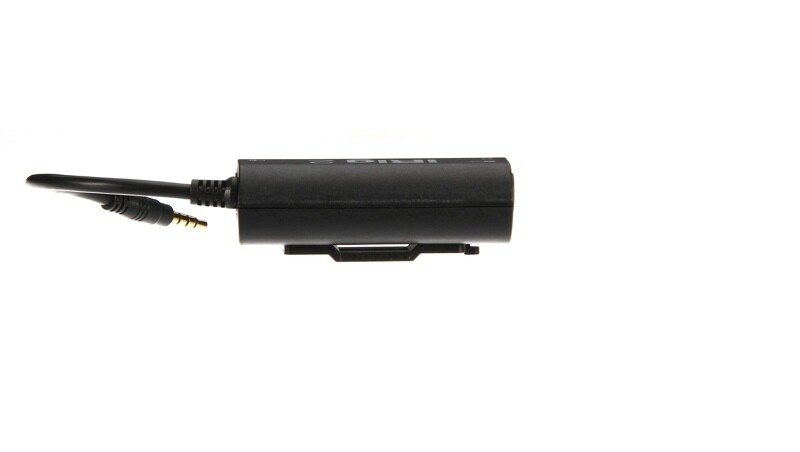
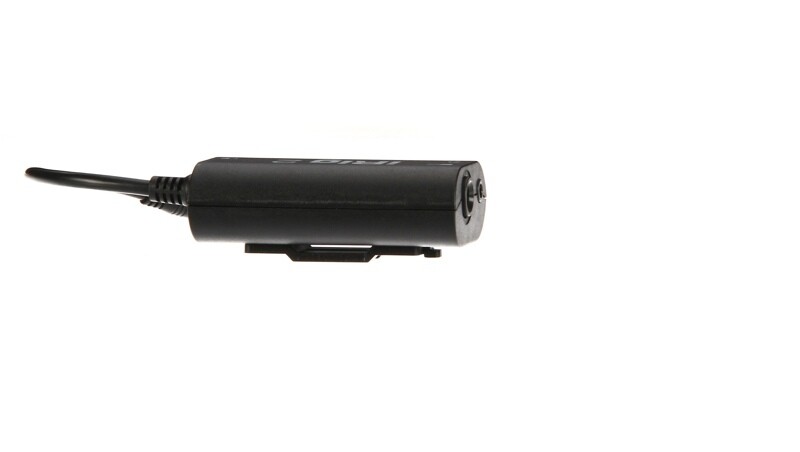
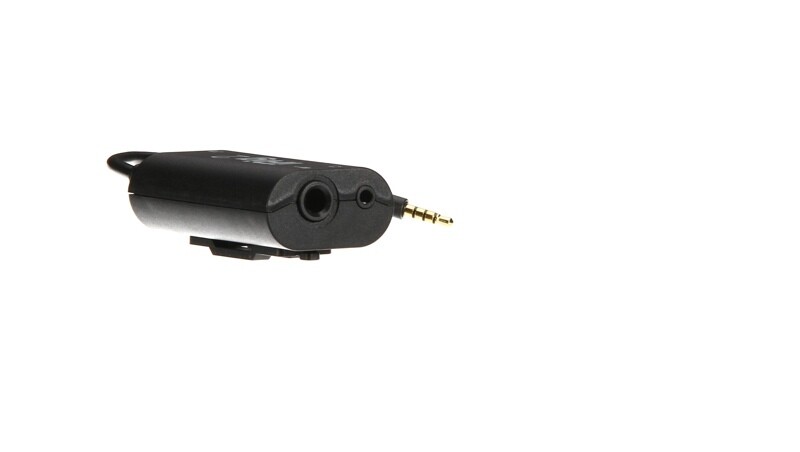
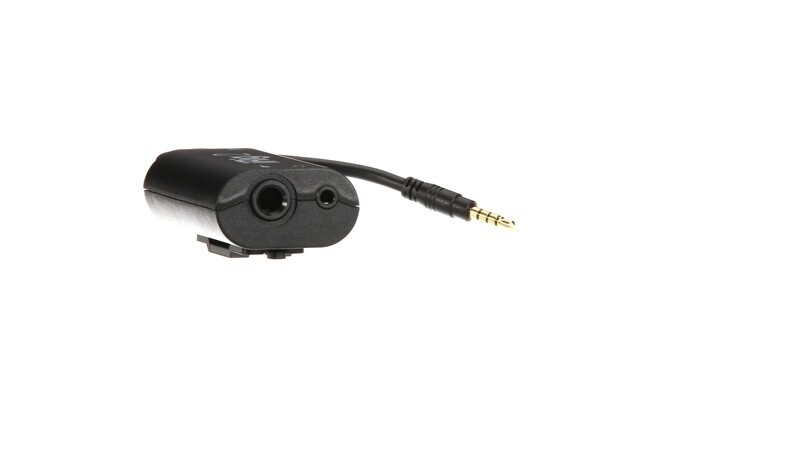
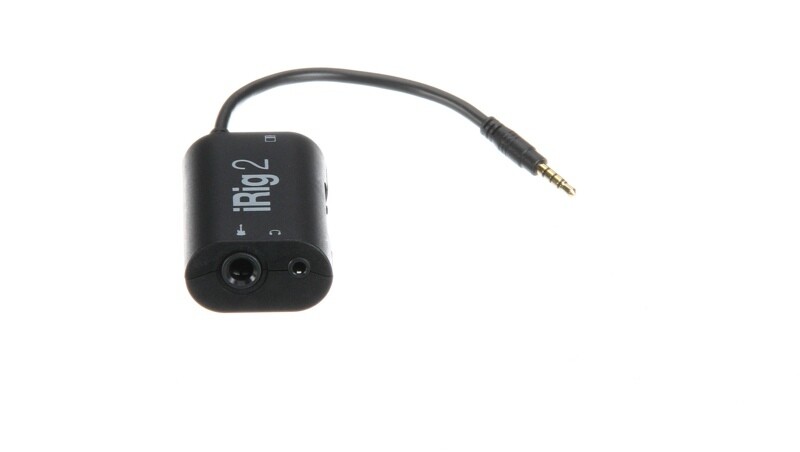
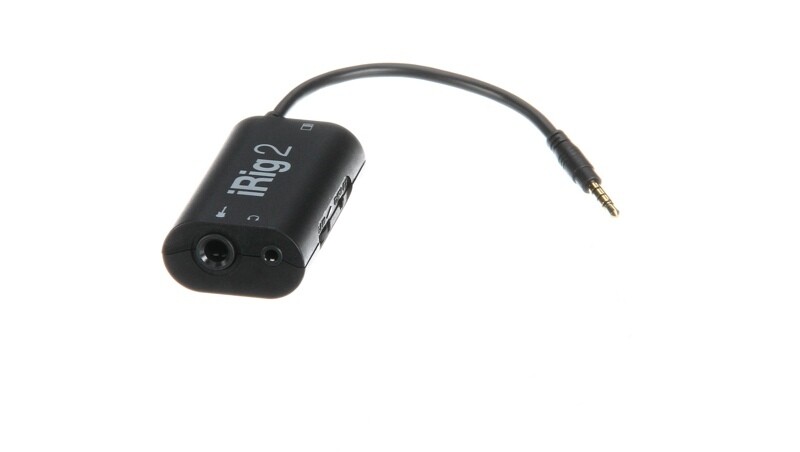
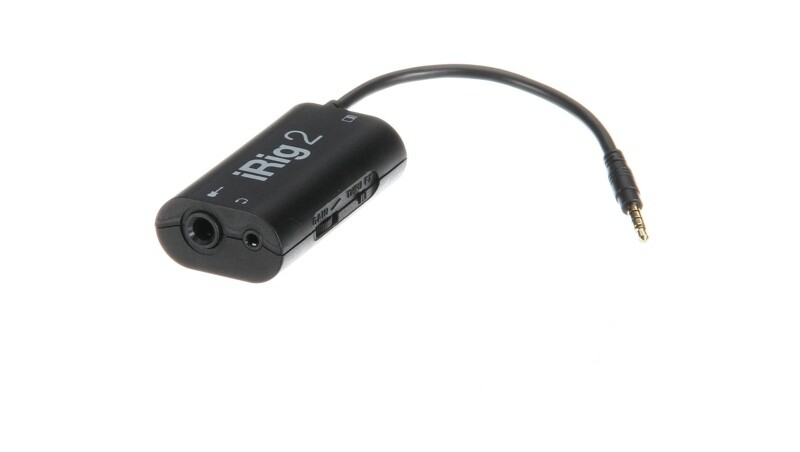
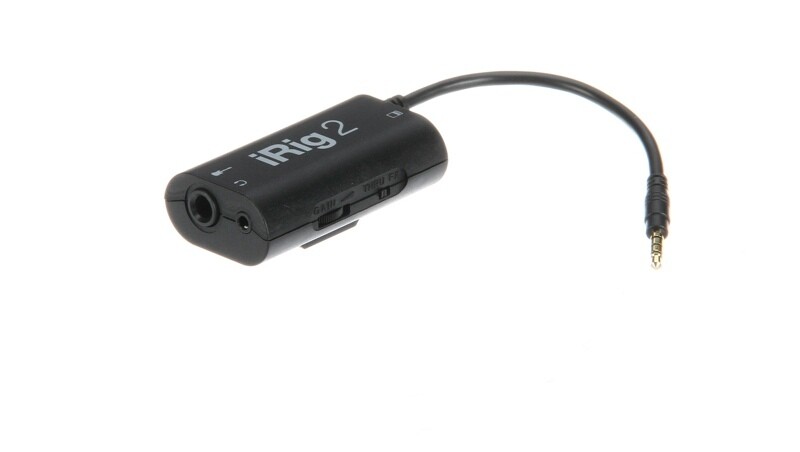
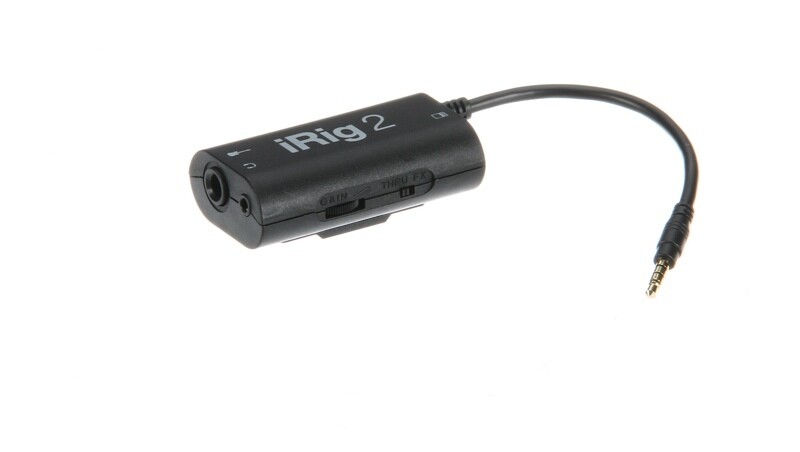
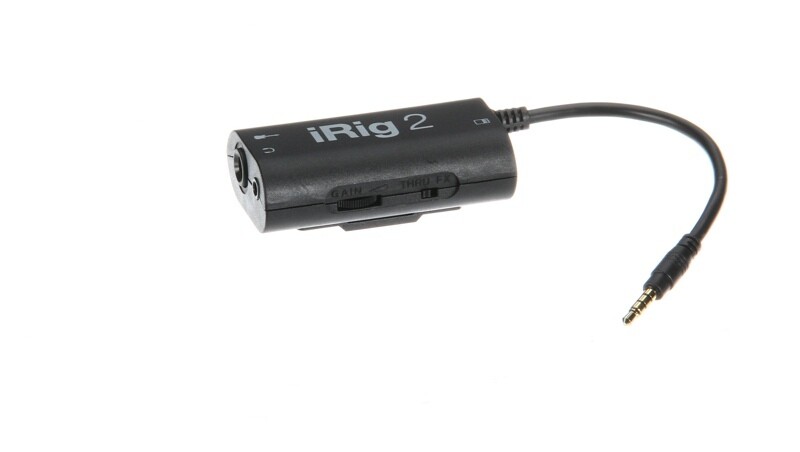
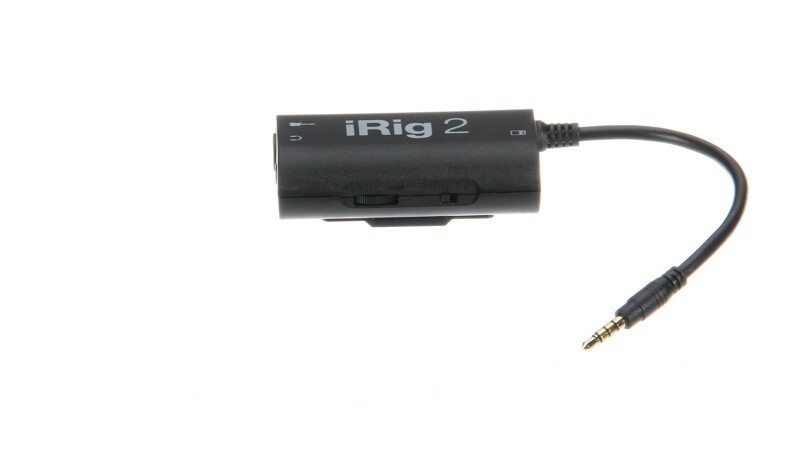
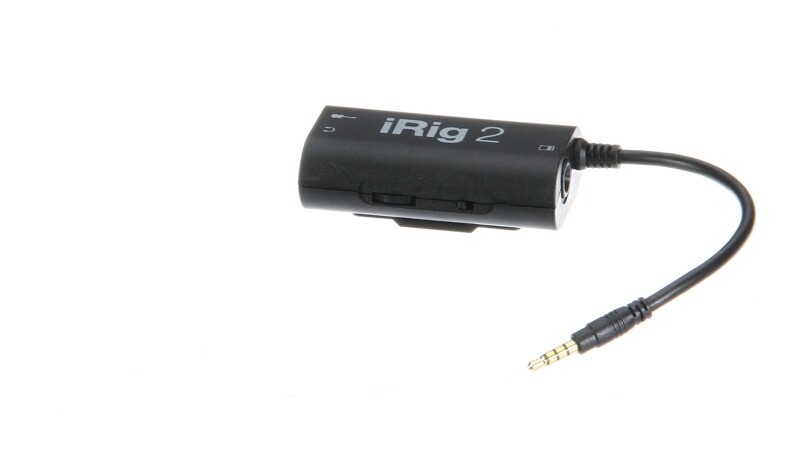
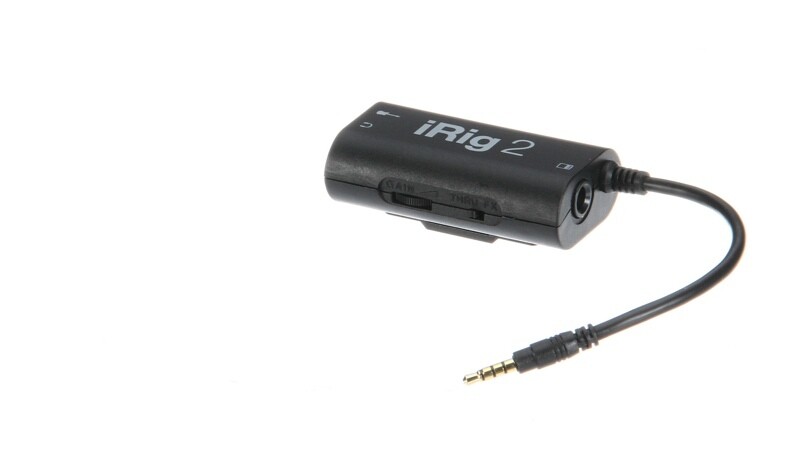
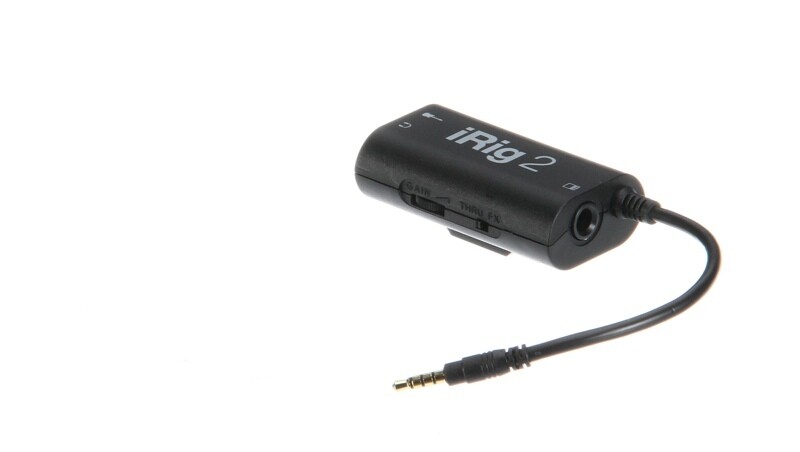
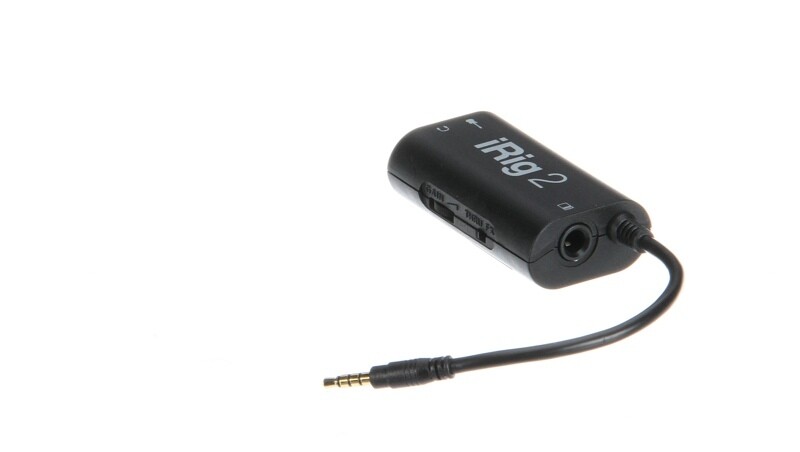
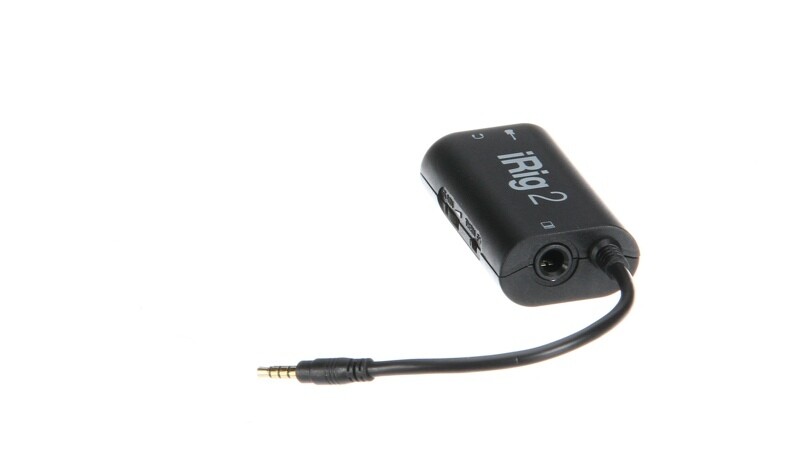
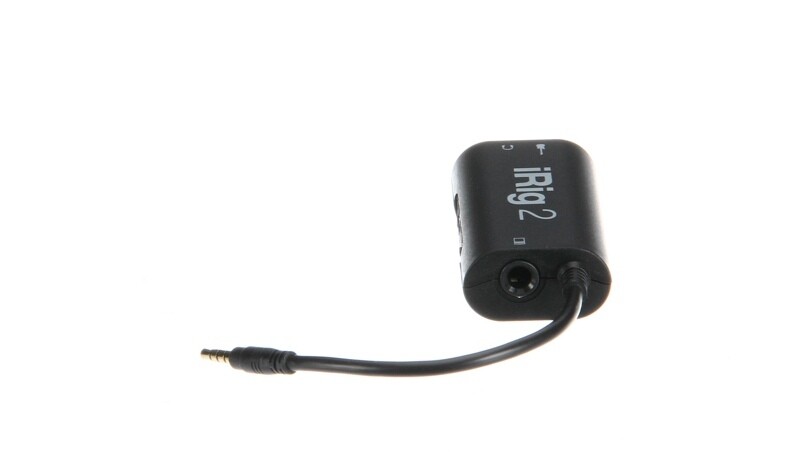
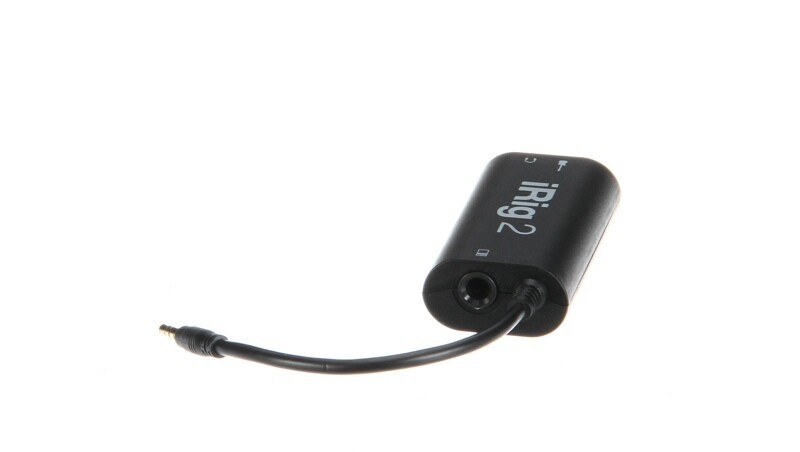
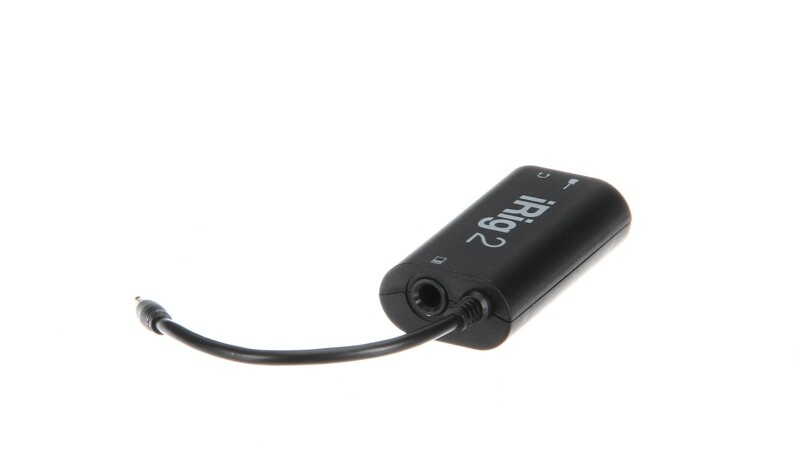
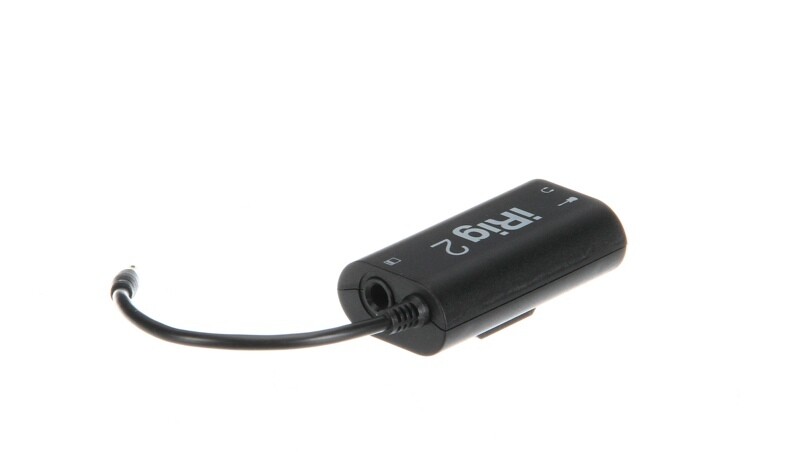
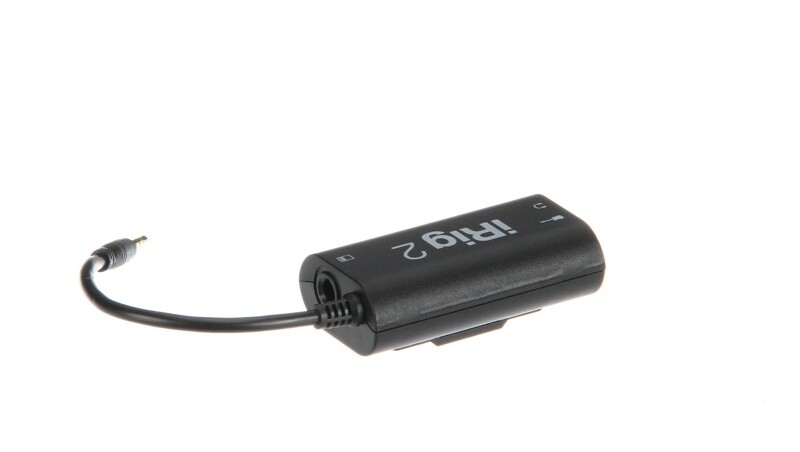
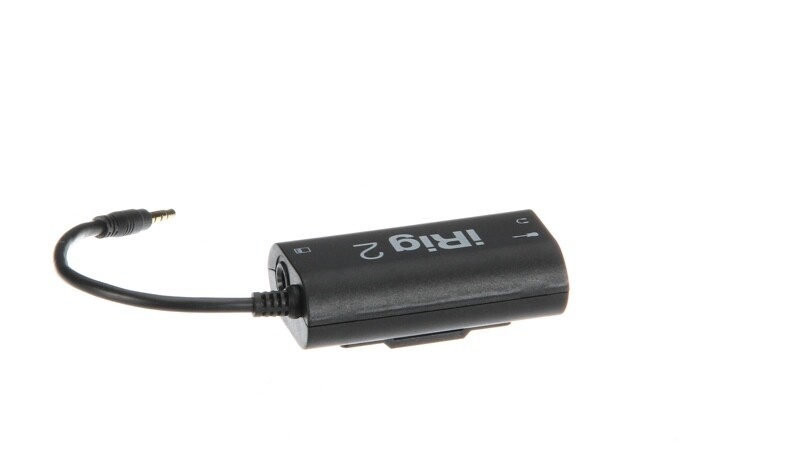
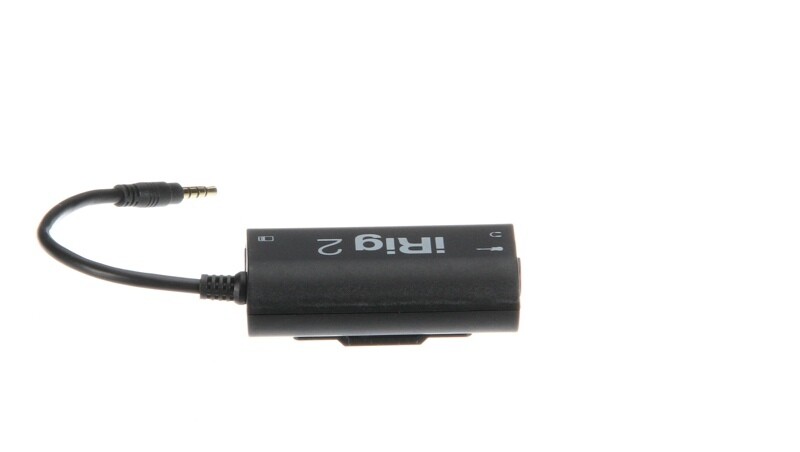
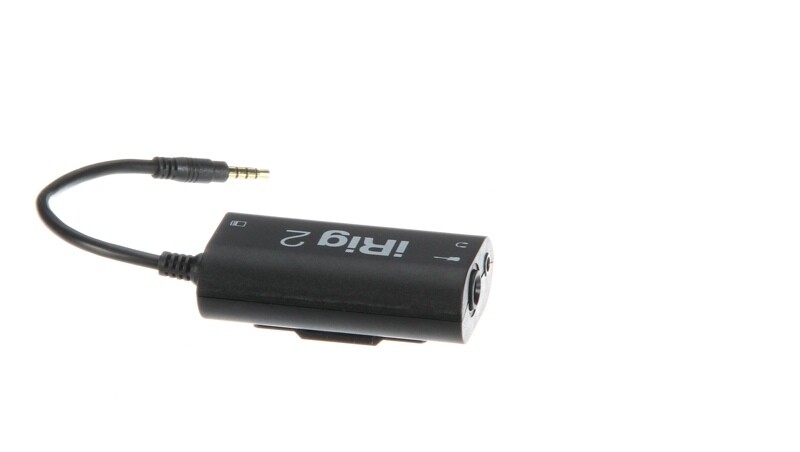
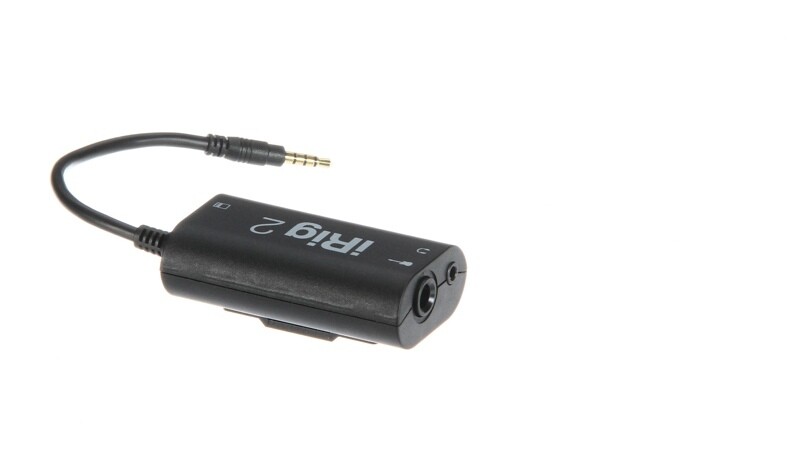
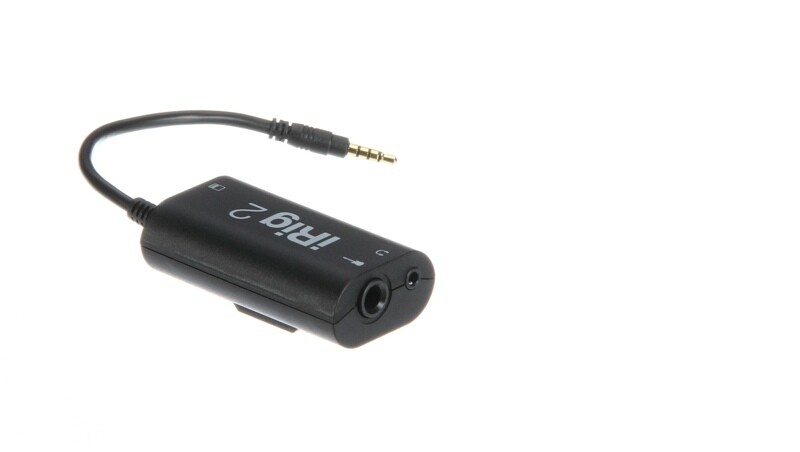
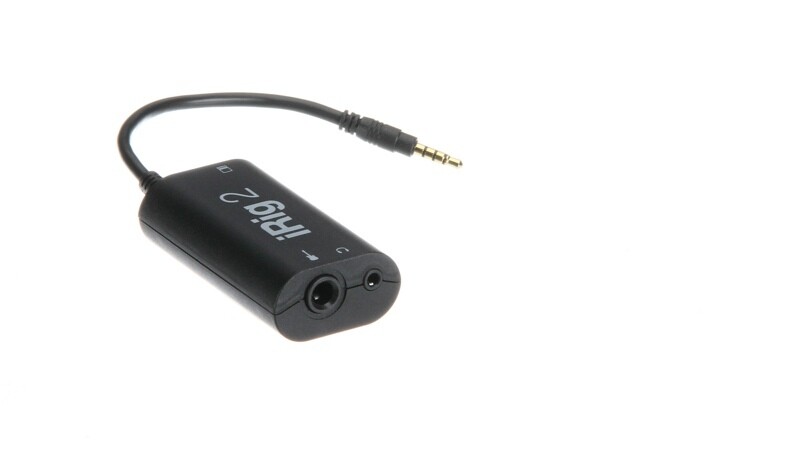
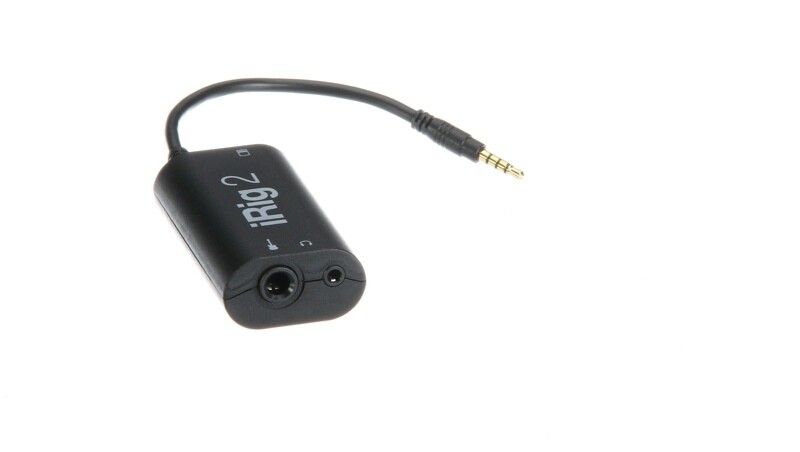
The iRig 2 from IK Multimedia is a guitar and bass audio interface designed for use with iPhone, iPod Touch, iPad, Mac, and Android devices. The included AmpliTube Free software delivers a portable, yet powerful virtual guitar rig for performances, recording, rehearsals, practice, and more. Enjoy the same processing, low-latency amplifiers, speaker cabinets, stompbox pedal effects, microphone modeling and accuracy as the Mac/PC versions.
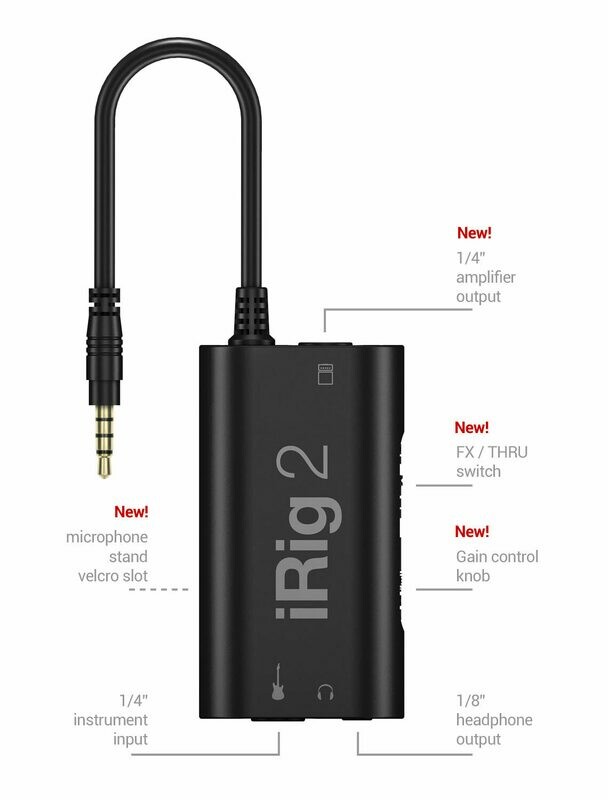
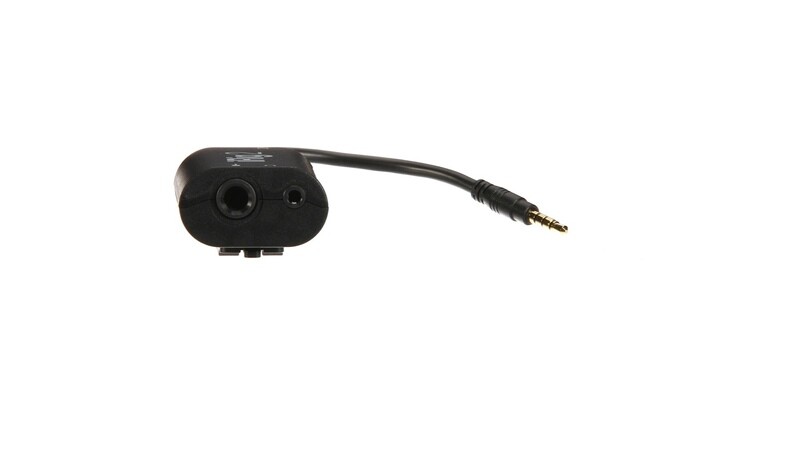
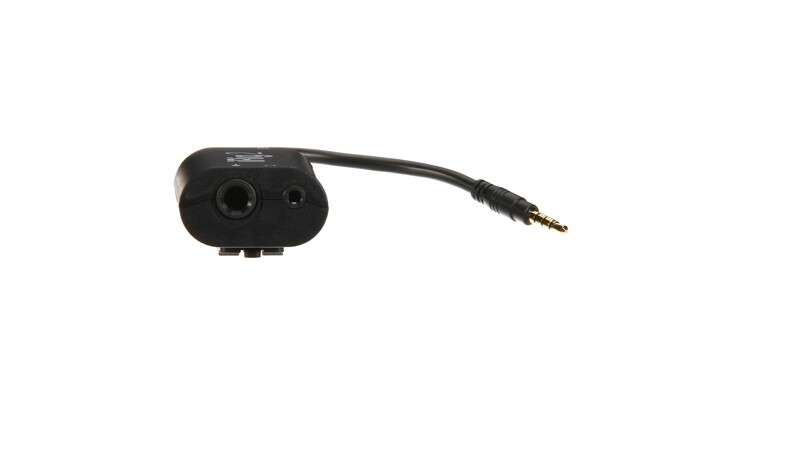
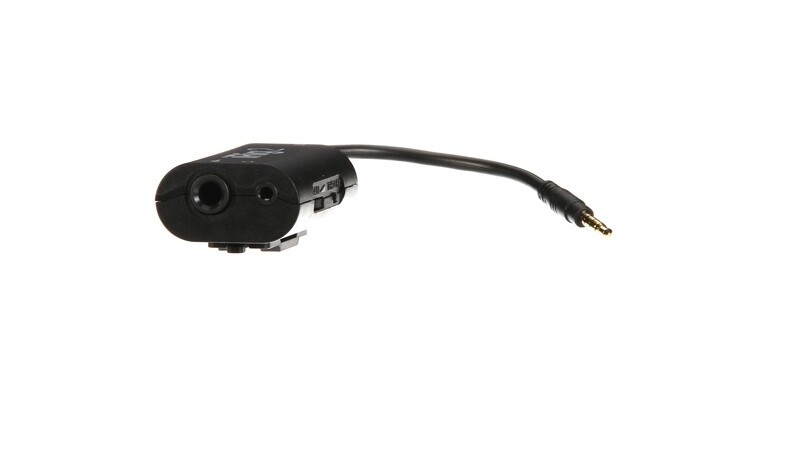
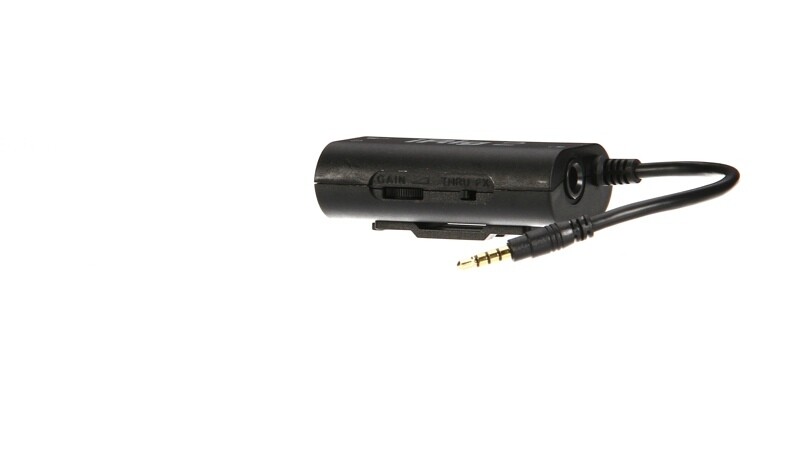
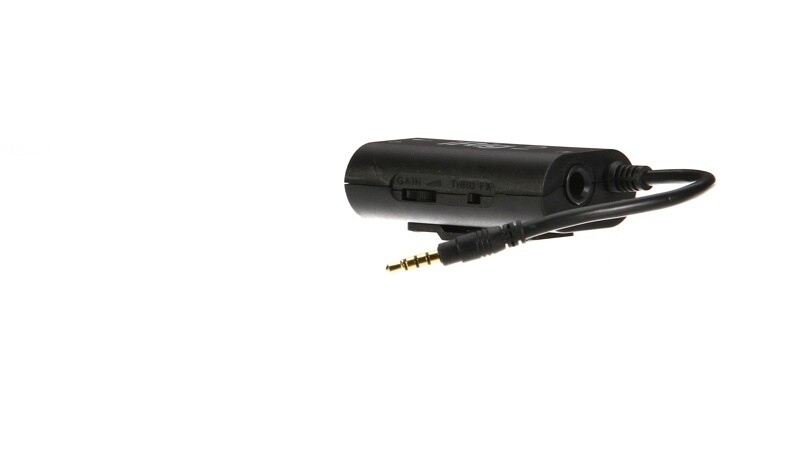
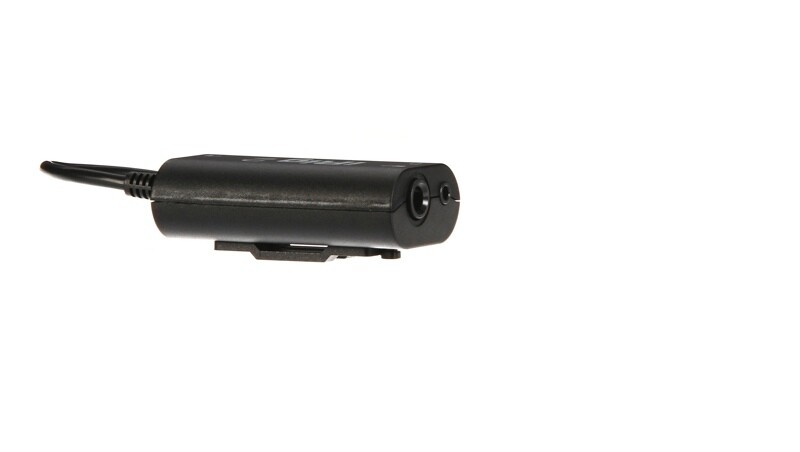
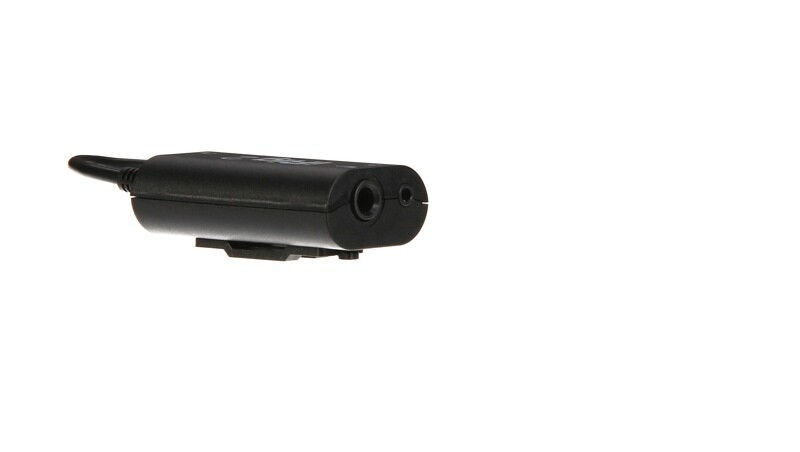
Effortlessly combine an entire rig of 3 stompboxes, an amp head, a speaker cabinet, and a microphone in order to achieve that ideal tone for your guitar or bass. The compact interface features a 1/4" instrument input to your portable i-series device and a dedicated 1/4" amplifier output with an 1/8" line output for headphone monitoring or connecting to a PA system. There is a selectable dual-mode switch for FX and Thru, which allows you to process your instrument or pass the signal through unaltered. A dedicated gain control thumbwheel allows you to dial in the optimum setting.
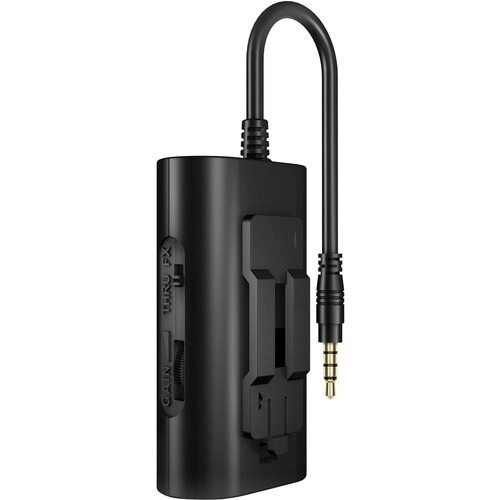
The interface is compatible with Android devices that support the CTIA/AHJ wiring standard and may be used with the optional AmpliTube for Android software. The iRig 2 ships with a detachable microphone stand hook-and-loop-fastener slot and a hook-and-loop-fastener strip.
- 1/4” instrument input for use with guitar, bass and other instruments
- 1/4” amplifier output for use with an external amplifier without an adaptor
- 1/8” TRRS output for use with iPhone, iPad, iPod touch, Mac, and Android
- 1/8” headphone output
- Compact and lightweight design
- Selectable dual-mode switch: FX and Thru
- Input-gain thumbwheel for easy signal control
- Comes with microphone stand hook-and-loop-fastener strip
- Comes with AmpliTube Free and a full suite of IK applications and software
IK Multimedia IRig 2 Specs
| Input | Instrument Input Connection: 1/4" / 6.3 mm jack |
| Output | Amplifier Output Connection: 1/4" / 6.3 mm jack Device Output Connection: 1/8" / 3.5 mm TRRS jack Headphone Output Connection: 1/8" / 3.5 mm jack |
| Input Impedance | 380 Kilohms |
| Frequency Response | 20 Hz to 20 kHz (±0.2 dB) |
| Compatibility | iOS iPhone 6 Plus, iPhone 6, iPhone 5s, iPhone 5c, iPhone 5, iPhone 4s, iPhone 4, iPhone 3GS, iPod Touch (5th, 4th and 3rd Generation), iPad Air 2, iPad Air, iPad mini 3, iPad mini 2, iPad mini, iPad 4th Generation, iPad 3rd Generation, iPad 2, iPad iOS 4.3 or Later Is Required Android The Mobile Device Must Be Compliant with the CTIA/AHJ Wiring Standard, Which Is Illustrated as Follows: As of Today, All Popular Android Devices Branded Samsung, LG, Motorola, Google Nexus, HTC, Huawei, Sony, Lenovo, Xiaomi, and Others Use This Standard Computer Mac: Most Mac Computers Starting from Late 2008 Are Compatible with the Exception of the Mac Pro Line. To Check if Your Mac Is Compatible Select: About This Mac > More Info > System Report > Audio and Check that External Microphone / iPhone Headset Is Appearing on the List of Included Features |
| Dimensions (L x W x D) | 2.8 x 1.5 x 0.9" / 7.2 x 3.9 x 2.2 cm |
| Weight | 1.6 oz / 44.5 g |
| Package Weight | 0.3 lb |
| Box Dimensions (LxWxH) | 6.3 x 5.35 x 1.75" |

